


You delete a million rows, disk usage doesn't move, and a week later SELECT count(*) on that table is slower than it was before the delete. Nothing about that is a bug. It's the direct, documented consequence of how PostgreSQL stores rows, and understanding it is the difference between fighting bloat forever and tuning autovacuum once and moving on.
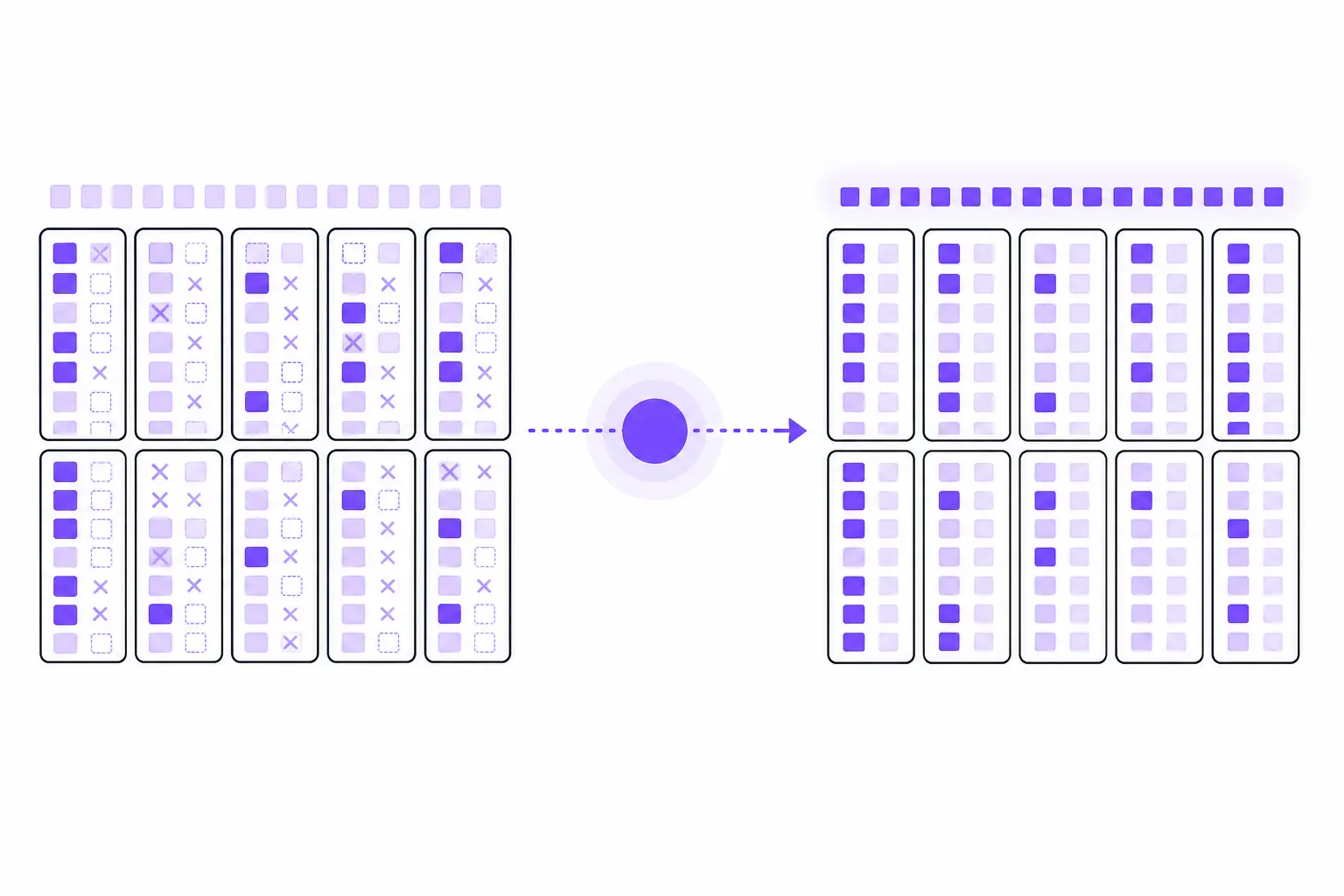
Why deleted rows don't actually go away
PostgreSQL stores table data as 8KB pages, and every row version - every tuple - carries a small header alongside its data. Two fields in that header do the heavy lifting: t_xmin, the ID of the transaction that created the row, and t_xmax, the ID of the transaction that deleted or superseded it. A fresh row has t_xmax set to zero, meaning nothing has invalidated it yet.
This is how PostgreSQL implements MVCC - Multi-Version Concurrency Control. When you UPDATE a row, Postgres doesn't modify it in place. It stamps t_xmax on the old version and writes a brand-new tuple with a fresh t_xmin. Both versions sit in the table at the same time. A transaction that started before your update still sees the old version, because its snapshot says the new tuple's t_xmin hasn't happened yet from its point of view. A transaction that starts after sees the new one. Nobody blocks, and every session gets a consistent view of the data without the database taking exclusive locks for ordinary reads.
You can watch this directly. Open two psql sessions:
-- Session A
BEGIN;
SELECT * FROM accounts WHERE id = 1;  -- returns balance = 100

-- Session B, in a separate connection
BEGIN;
UPDATE accounts SET balance = 200 WHERE id = 1;
COMMIT;

-- Back in Session A, still inside the same transaction
SELECT * FROM accounts WHERE id = 1;  -- still returns balance = 100
Session A keeps seeing 100 because its snapshot was taken before Session B committed. Two physical row versions now exist for id = 1 in the same table. The old one, once no transaction can possibly need it anymore, is a dead tuple - and dead tuples don't clean themselves up. DELETE and UPDATE mark rows invisible, they don't reclaim space, and there's no background thread quietly compacting the table after your transaction commits. That's what VACUUM is for. For the full mechanics, including what VACUUM versus VACUUM FULL actually do to locks and disk, see the PostgreSQL VACUUM reference.
What VACUUM does with those dead tuples
Plain VACUUM scans a table, finds tuples that no running transaction can see anymore, and marks their line pointers as free space that future inserts and updates can reuse. It does not, in the common case, shrink the file on disk or hand space back to the OS - it just makes the table's existing pages reusable, which stabilizes disk usage at whatever the table's working set actually needs. That's a deliberate tradeoff: a VACUUM takes only a SHARE UPDATE EXCLUSIVE lock, so your application keeps reading and writing the table the whole time it runs.
The same pass does more than reclaim space:
- Refreshes the visibility map, a bitmap that tracks which pages contain only tuples visible to every transaction. Pages marked all-visible let index-only scans skip the heap entirely, and let the next vacuum skip those pages too.
- Pairs with
ANALYZE- not automatically; plainVACUUMdoesn't gather statistics. You runVACUUM ANALYZEexplicitly, or autovacuum runsANALYZEfor you when its separate analyze threshold is crossed, updating the planner's statistics inpg_statistic. Stale statistics are a common, invisible cause of bad query plans - the table looks fine, but the planner is estimating row counts from data that no longer matches reality. - Freezes old tuples to push back the point where transaction ID wraparound becomes a risk, which we'll get to below.
Run it manually with VACUUM (VERBOSE, ANALYZE) accounts; and it prints exactly what it found and touched - useful when you want to see the effect of a change rather than take it on faith.
Watching dead tuples accumulate
This is easy to reproduce on a scratch table:
CREATE TABLE scratch (id INT, val INT);
INSERT INTO scratch SELECT g, g FROM generate_series(1, 100000) g;

SELECT n_live_tup, n_dead_tup, last_autovacuum
FROM pg_stat_all_tables
WHERE relname = 'scratch';
Right after the insert, n_dead_tup is zero. Now update a big chunk of the table:
UPDATE scratch SET val = val * 2 WHERE id <= 40000;

SELECT n_live_tup, n_dead_tup, last_autovacuum
FROM pg_stat_all_tables
WHERE relname = 'scratch';
n_dead_tup jumps to roughly 40,000 immediately - the old versions of those rows are still sitting in the table, invisible to future transactions but not yet reclaimed. Give autovacuum a minute (it wakes up every autovacuum_naptime, one minute by default) and check again; once the dead-tuple count crosses the trigger threshold, last_autovacuum will show a timestamp and n_dead_tup will drop back down. If you don't want to wait, VACUUM scratch; does the same thing on demand.
Autovacuum's actual trigger math
Autovacuum doesn't run on a fixed schedule. A worker fires against a table once its dead-tuple count crosses:
autovacuum_vacuum_threshold + autovacuum_vacuum_scale_factor * reltuples
With defaults of 50 and 0.2, a 10-million-row table needs roughly 2,000,050 dead tuples before autovacuum touches it. That percentage-based formula is fine for small and medium tables and a real problem on big ones - waiting for 20% of a 500-million-row table to churn means autovacuum runs rarely and does an enormous amount of work each time, with a correspondingly long window where bloat and stale statistics are both getting worse. PostgreSQL 18 finally puts a lid on this with autovacuum_vacuum_max_threshold, which caps the computed trigger at 100 million dead tuples by default; on 17 and earlier, or for anything smaller than that cap, the fix is a per-table override:
ALTER TABLE orders SET (
  autovacuum_vacuum_scale_factor = 0.01,
  autovacuum_vacuum_threshold = 10000
);
That trades "wait for 20%" for "wait for roughly 1% plus 10,000 rows," which on a hot table means vacuum runs more often and does proportionally less work each time - smaller, cheaper, more frequent passes instead of rare, expensive ones.
Two defaults get misremembered often enough to call out specifically. autovacuum_vacuum_cost_delay is 2ms on current PostgreSQL, not 20ms - it was lowered in PostgreSQL 12, which made autovacuum meaningfully more aggressive out of the box than older tuning advice assumes. And autovacuum_vacuum_cost_limit defaults to -1, which means it inherits vacuum_cost_limit (200) rather than carrying its own separate value. If you're tuning based on a blog post or a config file from a decade ago, check the actual values on your instance instead of trusting memory:
SELECT name, setting, unit
FROM pg_settings
WHERE name LIKE 'autovacuum%' OR name = 'vacuum_cost_limit'
ORDER BY name;
Vacuum's memory footprint changed in PostgreSQL 17
Older explanations of vacuum internals - including a lot of still-circulating blog content - describe vacuum tracking dead tuple TIDs in a flat array sized by maintenance_work_mem, with a hard ceiling around one gigabyte of tracking memory regardless of how much you configured. That description is out of date. PostgreSQL 17 replaced that array with a memory-efficient radix-tree structure (TidStore) for tracking dead tuple locations during a vacuum pass. In practice that means vacuum can use maintenance_work_mem far more effectively on tables with a lot of dead tuples, needs fewer of the multi-pass index cleanup cycles that the old array forced on very bloated tables, and generally uses meaningfully less memory to track the same number of dead tuples than it did on PostgreSQL 16 and earlier. If you're running PostgreSQL 17 or newer - 18 is current as of this writing - tuning advice that references the old array-and-ceiling behavior no longer applies to you.
Transaction ID wraparound: the failure mode that actually hurts
Everything above is about performance. This part is about correctness. PostgreSQL transaction IDs are 32-bit integers, giving roughly 4 billion possible values before they wrap around to zero. Visibility comparisons treat XIDs as a circle rather than a line: about 2 billion values count as "in the past" relative to any given point, and 2 billion count as "in the future." If a tuple's t_xmin were left uncompared for long enough, the wraparound would eventually put that XID on the wrong side of the line, and the row would look like it was created in the future - which means it would silently vanish from every query. That's not corruption in the disk sense; the bytes are still there. It's the visibility logic breaking down.
VACUUM prevents this by freezing tuples: once a row is older than vacuum_freeze_min_age (50 million transactions by default), vacuum stamps it as permanently visible, so its t_xmin never needs comparing against the current XID again. If freezing falls behind for some reason - vacuum disabled, a long-running transaction holding back the horizon, a table too large for autovacuum to keep pace - PostgreSQL escalates. Once a table's unfrozen XID age reaches autovacuum_freeze_max_age (200 million by default), an anti-wraparound autovacuum runs on it regardless of any other setting, including autovacuum = off. If that still doesn't catch up, PostgreSQL starts logging warnings once the oldest XIDs get within 40 million transactions of the limit, and at fewer than 3 million transactions left it stops assigning new XIDs entirely - existing transactions keep running and read-only transactions can still start, but every write fails until a database-wide VACUUM catches up. (Older advice says to do this in single-user mode; current docs are explicit that a normal VACUUM on the running system is the right move.) That's a hard outage for writes, not a slow degradation, and it's avoidable purely by watching one number:
SELECT datname, age(datfrozenxid) AS xid_age
FROM pg_database
ORDER BY xid_age DESC;
Anything climbing toward 200 million deserves attention before it becomes urgent. Per-table breakdown if you need to find the specific offender:
SELECT relname, age(relfrozenxid) AS xid_age
FROM pg_class
WHERE relkind = 'r'
ORDER BY xid_age DESC
LIMIT 20;
A table with an old, long-idle transaction attached to it - a forgotten BEGIN in some connection pool session, an orphaned prepared transaction - can hold back the freeze horizon for the whole database even if every other table is vacuumed on schedule. SELECT * FROM pg_stat_activity WHERE state = 'idle in transaction' AND xact_start < now() - interval '1 hour'; is worth running whenever wraparound age looks wrong for what your workload should produce.
VACUUM FULL is a different tool
Plain VACUUM and VACUUM FULL get conflated, and they shouldn't be. VACUUM FULL rewrites the entire table into a new file, packs the live tuples together, returns the freed space to the OS, and rebuilds every index on the table. It also takes an ACCESS EXCLUSIVE lock for the whole operation and needs free disk space roughly equal to the table's live data set while it runs. That's fine for a one-time cleanup after a mass deletion left a table mostly empty. It's a bad idea as a routine maintenance job, because it blocks every read and write against that table until it finishes - which on a large table can be minutes to hours. If you need to reclaim space online without the exclusive lock, pg_repack does the equivalent rewrite with only a brief lock at the end.
For most workloads, the right amount of manual intervention is close to none. A correctly tuned autovacuum - meaning scale factors and thresholds that match your actual table sizes and write patterns, not the one-size-fits-all defaults - keeps dead tuples in check without anyone scheduling anything. Run VACUUM ANALYZE by hand after a bulk load or a large one-off delete, because autovacuum's trigger threshold can take a while to catch up to a sudden spike, and stale statistics right after a big data shift produce bad plans immediately. Beyond that, the two numbers worth actually watching on an ongoing basis are the dead-tuple ratio in pg_stat_all_tables and the XID age from pg_database - not because vacuum needs babysitting, but because the failure modes on both sides (creeping bloat, and the wraparound cliff) are gradual right up until they aren't.
That gradual-then-sudden pattern is exactly what's hard to catch by staring at dashboards, and it's the kind of thing NeverBlink is built to flag - not by taking vacuum decisions away from you, but by surfacing the specific table whose dead-tuple growth or XID age has crossed a line worth a look, with the tuning change to make, before it turns into either a slow query or a locked-out write path.